
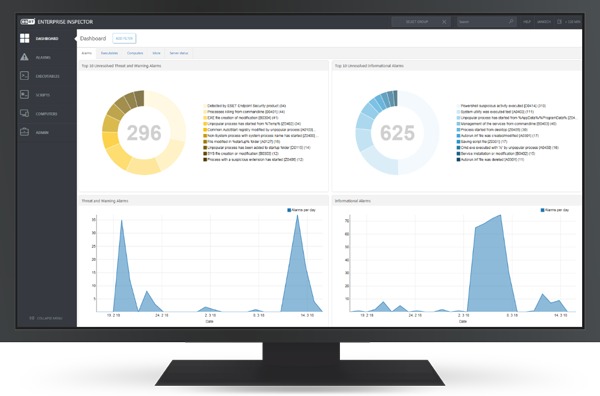

Every second an alert flashes on the screen, the clock starts ticking for a security team. A single missed signal can turn a small intrusion into a full-blown operational shutdown that costs time, money, and customer trust.
Effective response does not happen by accident; it happens through clear procedures and powerful endpoint detection systems. This article outlines the essential steps for using EDR security to turn a chaotic alert into a controlled, decisive action.
Recognize the signal among the noise:
The first action involves distinguishing a genuine attack from a harmless software glitch. EDR tools generate a high volume of notifications, but each one carries contextual data like process trees, file hashes, and network connections. Analysts examine this information to identify unusual patterns, such as a system process spawning a command-line tool. This initial triage saves valuable time by filtering out false positives and focusing on verified threats.
Isolate the affected endpoints instantly:
Once a threat is confirmed, the immediate priority is to cut its connection to the wider network. The response platform offers a remote isolation feature that blocks all inbound and outbound traffic from the compromised device, except traffic to the management console. This action contains the attacker’s movement and prevents the spread of ransomware or lateral scans. Isolation buys critical time for a deeper investigation without allowing the adversary to cause further damage.
Initiate a live investigation on the host:
With the endpoint isolated, security analysts initiate a live session to examine the system’s memory and running processes. The EDR interface provides a real-time view of active connections, scheduled tasks, and registry changes that occurred around the time of the alert. Investigators look for persistence mechanisms, such as startup folder entries or service creations that indicate the attacker’s intent to maintain access. This deep dive uncovers the root cause and the full scope of the compromise.
Terminate malicious processes and artifacts:
After identifying the harmful components, the response team uses the tool to kill suspicious processes and delete associated files directly from the endpoint. The platform can also quarantine specific executables across the entire fleet to prevent reinfection from the same binary. This step removes the active threat from the system while preserving forensic artifacts for later analysis. Cleanup actions are logged carefully to ensure a complete record of the remediation.
